
- Business Central
- AI implementation
- Systems integration
Artificial intelligence can automate activities that once required repeated manual effort, but finance teams still need to know what happened inside an automated workflow. When an AI-assisted process affects approvals, documents, reconciliation, or financial reporting, the ability to trace that activity becomes an important part of the ERP environment.
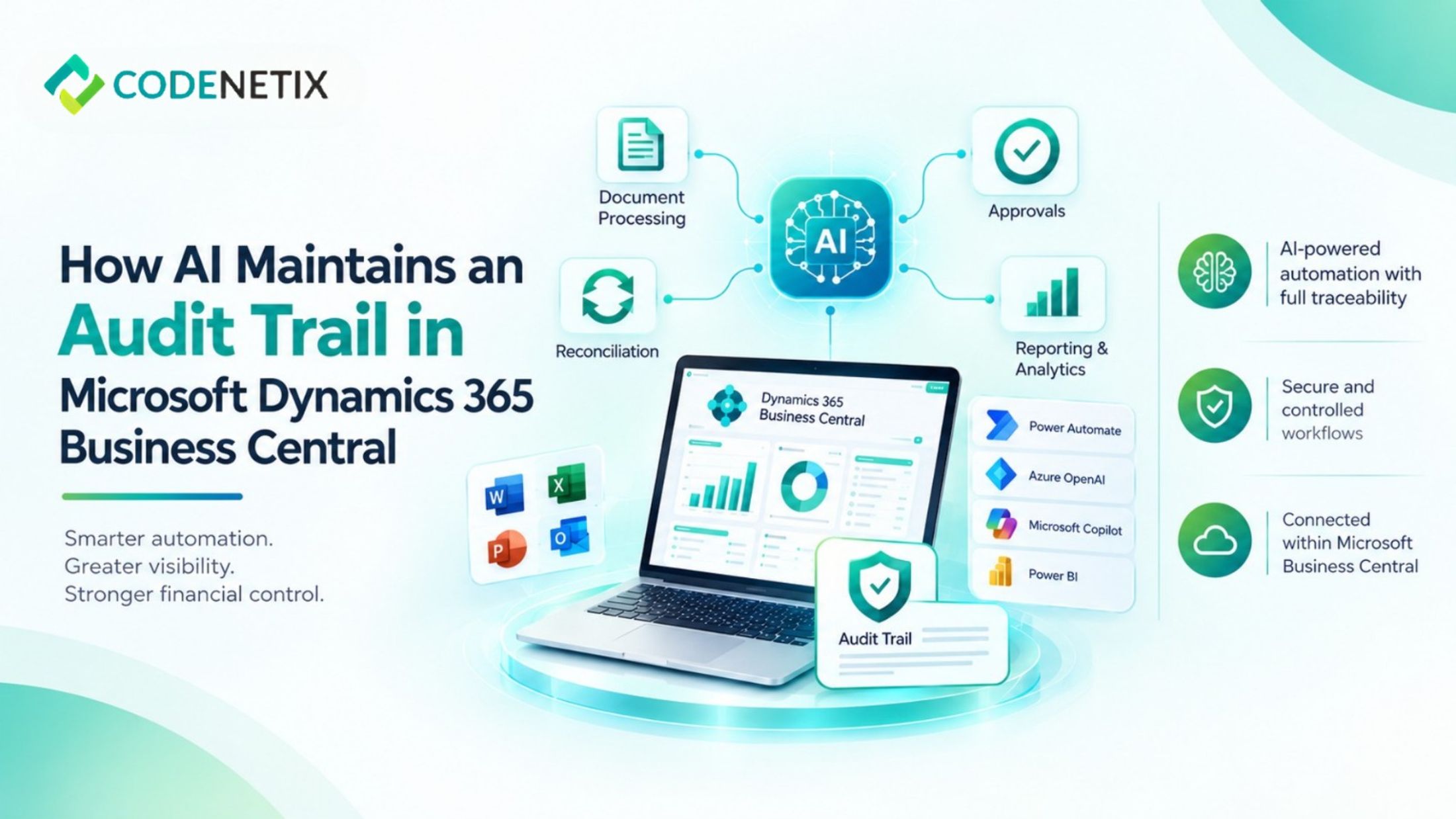
For organizations using Microsoft Dynamics 365 Business Central, AI automation can be designed around the ERP rather than operating as an independent process. Codenetix describes an approach in which AI implementation remains on Business Central, with document, approval, and reconciliation workflows staying within the ERP and assistants grounded in Business Central data.
What an Audit Trail Means in an AI Workflow
An audit trail is more than a record that an automated task was completed. Finance teams need to understand the sequence surrounding the activity.
An AI-supported workflow may involve source information, processing, approval, and an eventual ERP transaction. Each stage needs to fit within the organization's control framework. For a business central ERP environment, this keeps the evidence associated with the business process rather than creating a separate record that finance teams have to reconcile later.
Keeping AI Connected to Business Central
One of the key elements of Codenetix's AI implementation model is that workflows remain on Business Central.
Document intelligence can process invoices, packing documents, and contracts, with information moving into posted ERP activity. Approval workflows can route requests through defined policies. Reconciliation workflows can remain connected to the ERP, while assistants can support close and reporting using Business Central information.
Approval Routing and Traceability
Approvals are particularly important when discussing auditability.
Codenetix describes policy-based approval routing with a complete trail on the ledger. The company also identifies moving email approvals onto an ERP workflow as a common first AI release.
This can bring approval activity into the same environment as the financial transaction.
With Microsoft Dynamics 365 Business Central, the ERP remains the central record while automation supports the workflow surrounding it.
The benefit is not simply speed. It is the ability to maintain a structured process that finance teams can review.
Document Processing Without Losing Visibility
AI can also support document-heavy finance processes.
Codenetix uses document intelligence for invoices, packing documents, and contracts. The information extracted from these documents can move into posted ERP activity rather than remaining in a separate AI environment. A finance team can therefore work with the resulting Business Central transaction rather than relying entirely on a separate application to understand what happened.
For organizations planning an ERP system implementation process, document workflows should be considered alongside financial configuration, permissions, approvals, migration, testing, and other controls.
The Role of Microsoft Power Platform
The audit trail does not necessarily depend on Business Central alone. Codenetix's AI technology stack includes Power Automate, Business Central APIs, Azure OpenAI, and Microsoft Copilot.
Within the broader Microsoft environment, Microsoft Power Platform can support workflows and connected applications.
Power automate in Business Central can be relevant where approval or process automation needs to connect with Business Central. The integration still needs to follow the organization's control requirements so that automation does not create an untracked process outside the ERP.
Codenetix also works with Power BI and Business Central for analytics, including Power BI and Business Central capabilities where broader reporting requirements exist.
Auditability Starts With the ERP Design
AI cannot create a reliable audit trail if the underlying ERP process has not been properly designed.
Codenetix begins Business Central programs with the operating model before configuration. Finance, operations, and technology teams establish how areas such as close, inventory, order-to-cash, and controls should operate. Business Central is then configured around that model.
This foundation is important because AI automation eventually depends on the processes, permissions, records, and controls already established within the ERP.
A strong business central ERP environment therefore provides the structure within which AI workflows can operate.
Keeping AI Accountable
AI automation does not remove the need for financial controls. Instead, it introduces another layer that needs to operate within those controls.
Codenetix's approach keeps AI-supported document, approval, reconciliation, close, and reporting activities connected to Business Central, with an audit trail designed for controller review.
For organizations using Microsoft Dynamics 365 Business Central, this provides a practical model for introducing AI while keeping the ERP at the center.